114. 文字列の挿入を行う strins 関数
先の「文字列の変更」で紹介したようなテクニックを使って、
「文字列の挿入」を行う関数: strins をここで紹介する。
文字列の挿入: strins 関数もまた、
任意の長さの文字列に対応するように考慮されている。
【 文字列の挿入: TESTINS 】
0001.00 #include <stdio.h>
0002.00 #include <stdlib.h>
0003.00 #include <string.h>
0004.00
0005.00 #define TRUE         0
0006.00 #define FALSE       -1
0007.00 void strins(char *buf, int pos, const char *str);
0008.00
0009.00 void main(void){
0010.00   char str[128];
0011.00
0012.00    printf("** TESTINS :  文字列の挿入 **\n");
0013.00    getchar();
0014.00
0015.00   strcpy(str, "facabcxbadd");
0016.00   printf("[%d] str = [%s]\n", __LINE__, str);
0017.00   getchar();
0018.00   printf("abc--> <123> \n");
0019.00   strins(str, 3, " <123> ");
0020.00   printf("[%d] str = [%s]\n", __LINE__, str);
0021.00   getchar();
0022.00
0023.00 }
0024.00 /*********************************************************/
0025.00 void strins(char *buf, int pos, const char *str)
0026.00 /*********************************************************/
0027.00 {
0028.00   char* tmp;
0029.00   long  tmplen;
0030.00
0031.00     tmplen = strlen(&buf[pos]);
0032.00     tmp = (char*)malloc(tmplen+1);
0033.00     strcpy(tmp, &buf[pos]);
0034.00     strcpy(&buf[pos], str);
0035.00     strcat(buf, tmp);
0036.00     free(tmp);
0037.00 }
【解説】
文字列「facabcxbadd」の 3つめの位置に文字列「 <123> 」という 7文字から成る文字列を挿入する。
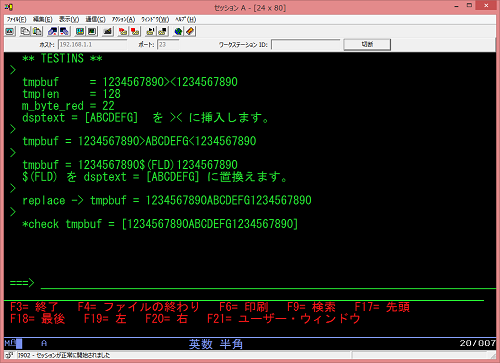
実行の結果は次のとおりである。